
My love for .txt files
In a world full of sophisticated productivity apps, elaborate note-taking systems, and increasingly complex digital workflows, one of my favorite tools remains remarkably simple: the humble text file. No fancy interface, no synchronization dashboards, no tags or plugins; just plain text. And yet, over the years, text files have quietly become one of the most reliable tools in my workflow.
Part of the appeal is their simplicity. A text file opens instantly, saves instantly, works everywhere and is lightweight. It doesn’t distract me with formatting options or visual clutter. More importantly, text files can live where the work happens: inside the folders of the projects they belong to. Instead of collecting notes in one large external system (such as Evernote, OneNote, Notion etc), I keep them embedded directly in the project structure. As a result, when I open a folder, I see not only the files and data, but also the thinking and planning that went into them.
Here are some of the ways I use text files in my daily work and life:
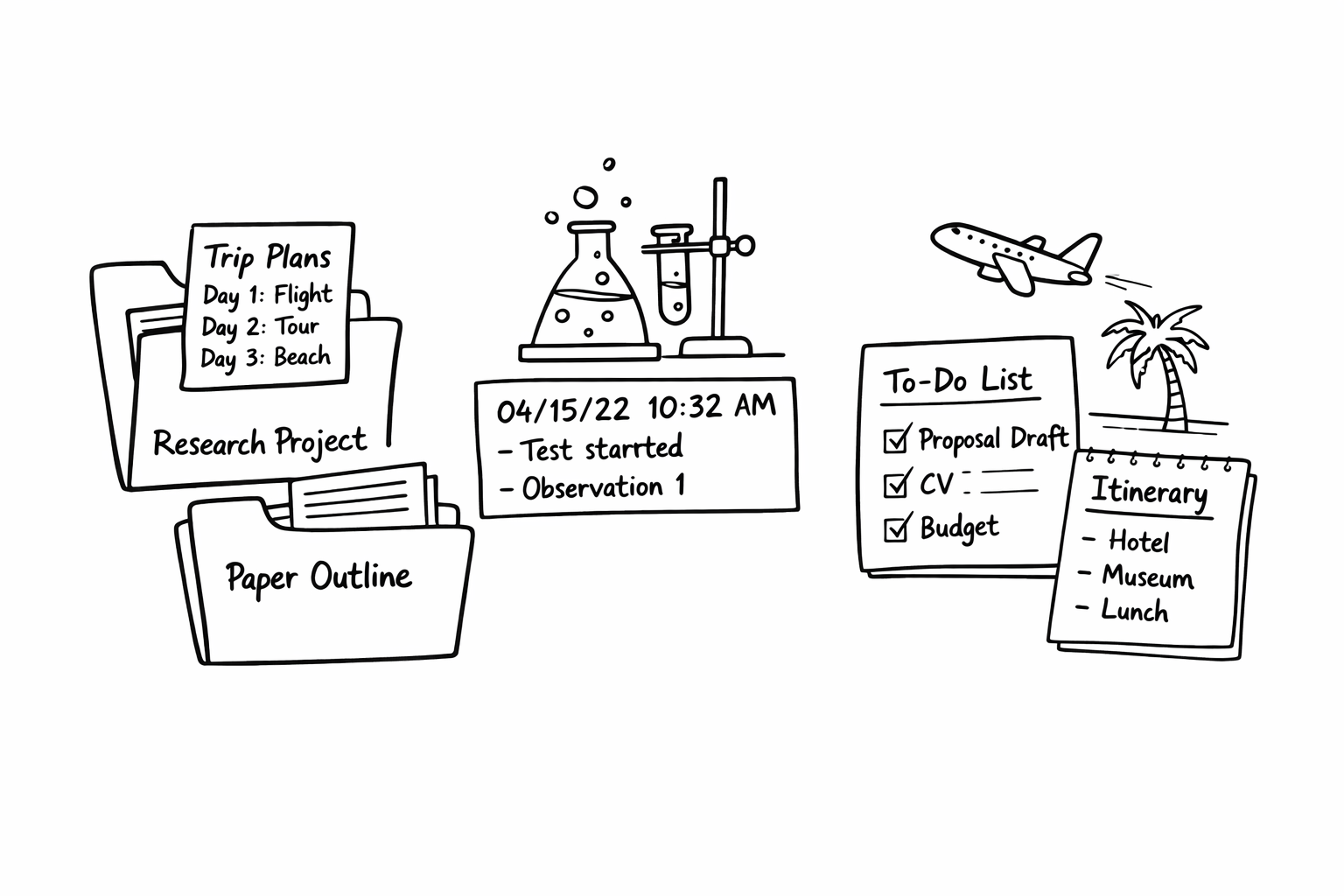
- Travel planning within trip folders: Whenever I plan a trip, I create a folder for it and, when my logistics are a bit complicated, I include a simple text file with my itinerary and a rough day-by-day outline. Nothing elaborate; just enough information so that when I open the folder, I immediately see the essentials. The rest goes on my calendar anyway.
- Logging observations during experiments: During experiments, text files serve as quick observation logs. A particularly useful trick is using the timestamp shortcut (F5 in Notepad), which inserts the current date and time. This makes it easy to record observations in chronological order and combining this later with the timestamp of the sensor measurements.
- Planning research papers: When I’m planning a paper, I often create a text file in the project folder to outline the timeline and major steps. I jot down the tasks needed for the manuscript and map out the expected sequence. This file also helps me communicate the plan clearly with co-authors as I can easily copy it into an email; and the activities then go on my calendar.
- Coordinating timelines with collaborators: In collaborative projects, the planning text file becomes a lightweight coordination tool. It summarizes what needs to happen next, who is responsible for which step, and what the expected deadlines are; and I can again easily copy the text into an email. The corresponding milestones then make their way into my calendar.
- Tracking checklists and required documents: Text files are also perfect for simple tracking lists. If I need to submit a proposal, I might create a text file listing every document that needs to be included. I do the same for everyday tasks. For example, when renewing my daughter’s passport, I kept a text file with everything that needed to go into the application envelope. It’s a quick and reliable way to make sure nothing gets forgotten.
- Keeping thinking close to the project: Perhaps the biggest advantage is conceptual: notes live alongside the work itself. If I open a project folder months later, the text file immediately reminds me of what I was thinking, planning, or observing at the time.
In an era of increasingly complex software ecosystems, text files remind me that sometimes the simplest tools are the most powerful. They are lightweight, durable, and universally readable. But most importantly, they reduce friction between thinking and writing. When an idea appears, I can capture it instantly and move on with the work (just right click in the folder to add a .txt file). And for me, that simplicity is exactly why text files remain such an essential part of my workflow.